Payment solutions for hospitality & tourism
Global guests.
Simplified payments.
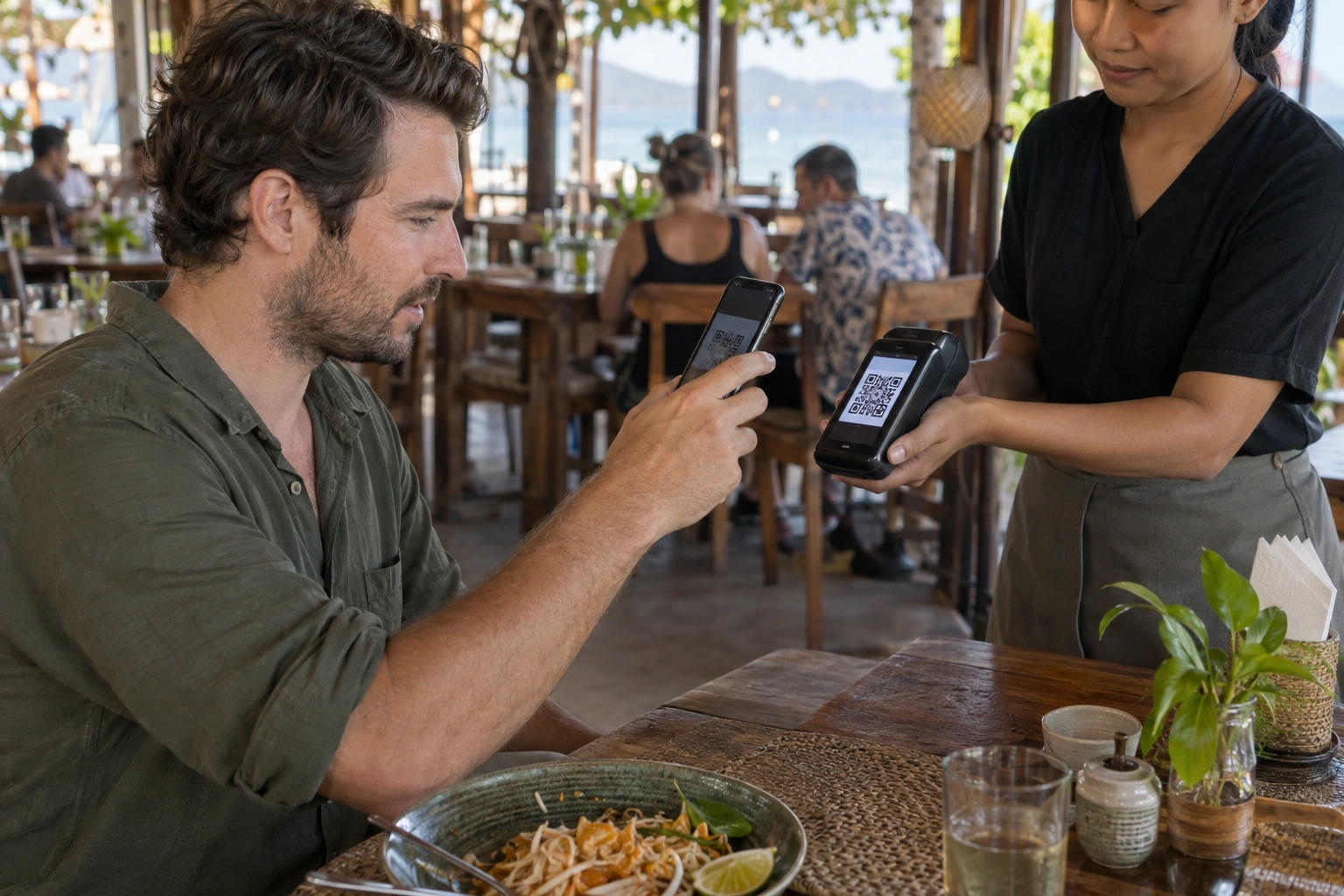
Give your guests a familiar way to pay.
Share a QR code. Manage payments, payouts and reports in one place.
 Built for hospitality businesses.
How payments work
From the bill
to your balance.
See how a guest payment becomes available for payout.
Try each step yourself, or select Watch to play the demo.
How settlement & payouts work
Once the payment provider settles a payment, we reconcile the funds and credit your balance in  USDT, minus the agreed fee.
Request a payout to your wallet. During the pilot, our team reviews requests and sends transfers manually. We agree payout timing and network fees with you before activation.
Demo only. No real payments. Example exchange rate: 32 THB = 1 USDT; example fee: 5%. Your rates and fees are agreed before activation.
Payment analytics & reporting
Every payment.
One clear view.
Track payments from checkout to payout. Compare your locations, payment methods and routes in one dashboard.
- Track every stage.See what’s confirmed, settled or available for payout.
- Compare your locations.Break down payments by day, location, method and route.
- Reconcile each shift.Export your payment records and compare them with r_keeper.
Set access for your team
Owners oversee the business. Finance teams manage balances and payouts. Managers see their assigned locations. Frontline staff can create bills, check payments and adjust the settings their role allows.
Switch roles in the demo to see what each team member can access.
Confirmed payments · last 7 days
Sample data
The Dolph Pay terminal
QR payments.
Printed receipts.
Guests scan the QR code on your terminal to pay. Once payment is confirmed, the built-in printer issues a receipt.
Connect your restaurant POS
Send the bill total straight from your restaurant’s point-of-sale (POS) system to the terminal. Staff won’t need to type it again. Supported integrations can send payment confirmation back to your POS or accounting system.
Use a standalone terminal or kiosk
Enter the amount on a standalone terminal, or connect a self-service kiosk to send the order total straight to the payment screen.
We’ll confirm software compatibility, receipt options and integration requirements with you.
Control your payment routes
One QR code.
You choose the route.
Split incoming payments between routes, set a limit for each, or switch to one route with a Telegram command.
How routing works
In your dashboard, choose a percentage split or alternate between routes, then set a limit for each. To send new payments to the White route, use your connected Telegram bot and enter /white.
Your QR code stays the same. The routing rule applies to new payments. The route names and bot command shown here are examples.
Limits: White ฿25,000 · Green ฿20,000
Edit routing rules
/whiteTry /white to switch routes without changing your QR code.
Demo only. Changes do not affect real payments.
Custom solutions for restaurants & bars
Order. Pay.
Enjoy.
Let guests browse your menu, place an order and pay in one place.
Orders reach the kitchen only after payment is confirmed.
Built for your restaurant
We can build a digital menu, online ordering and a pickup display for your restaurant, with payments built in.
Guests can order from their phones using a table QR code, or at a self-service kiosk. Choose table service or counter pickup. We’ll agree the features and price with you before development.
Demo only. The menu, order numbers and preparation times are examples. No real order is placed.
The Dolph Pay mobile app Coming soon
Your business.
In your pocket.
An iPhone and Android app for business owners, managers and frontline staff.
- Get payment alerts wherever you are.
- Request payouts as an authorised user.
- Access the tools for your role.
Coming soon to both stores.
Take a look at the preview below. We’ll announce launch dates here.
USDTPayments across all locations.
Common questions
Good to know.
Select a topic to find out more.
Is Dolph Pay right for my business?Restaurants, accommodation, tours & more
Display a QR code at a table, reception desk or rental counter. Send a payment link to collect payment before a stay, tour or appointment.
Guests open the payment page on their phones. They don’t need to download an app.
Try the demo for your businessHow do payments and payouts work?Payment methods, fees and settlement
The pilot is designed for Apple Pay and Google Pay. Availability depends on the payment provider, device, card and country. Card entry and PromptPay are planned for later releases.
We agree your fees before activation. The platform fee is deducted when funds are credited to your balance. It isn’t charged again on payout. Payout timing and network fees are agreed separately.
Payment links collect advance payments. They do not place card holds or pre-authorise security deposits.
See settlement and payoutsWhat checks are required?Business verification and payment monitoring
Every location must complete KYB/KYC business and identity checks before it can accept payments. These checks help prevent misuse of the service.
Our monitoring system analyses and compares payment patterns to detect unusual activity. We may pause payment acceptance while we investigate and ask you for supporting information.