Know where you stand.
See what’s confirmed, settled or available for payout.
Your customers pay with Apple Pay or Google Pay.
You receive USDT.
Customers pay
 or
or
You receive
 USDT
USDTFor restaurants, hotels, tours & rentals.
Share it with your customer, or send a payment link.
They use Apple Pay or Google Pay on their phone.
We credit your business balance after settlement, minus the agreed fee.
A familiar checkout for your guests.
A clear record for your team.
Enter the amount your guest needs to pay.
Demo only. No real payments.
Example rate: 32 THB = 1 USDT. Example fee: 5%.
Once the payment provider settles a payment, we reconcile the funds and credit your balance in USDT, minus the agreed fee. During the pilot, our team reviews payout requests and sends transfers manually. Rates and terms are agreed before activation.
Track payments from checkout to payout. Compare your locations, payment methods and routes in one dashboard.
See what’s confirmed, settled or available for payout.
Export your payment records and compare them with r_keeper.
Separate permissions for owners, finance leads, managers and frontline staff.
Split incoming payments between routes, or switch with a Telegram command.
Demo only. Your QR code stays the same.
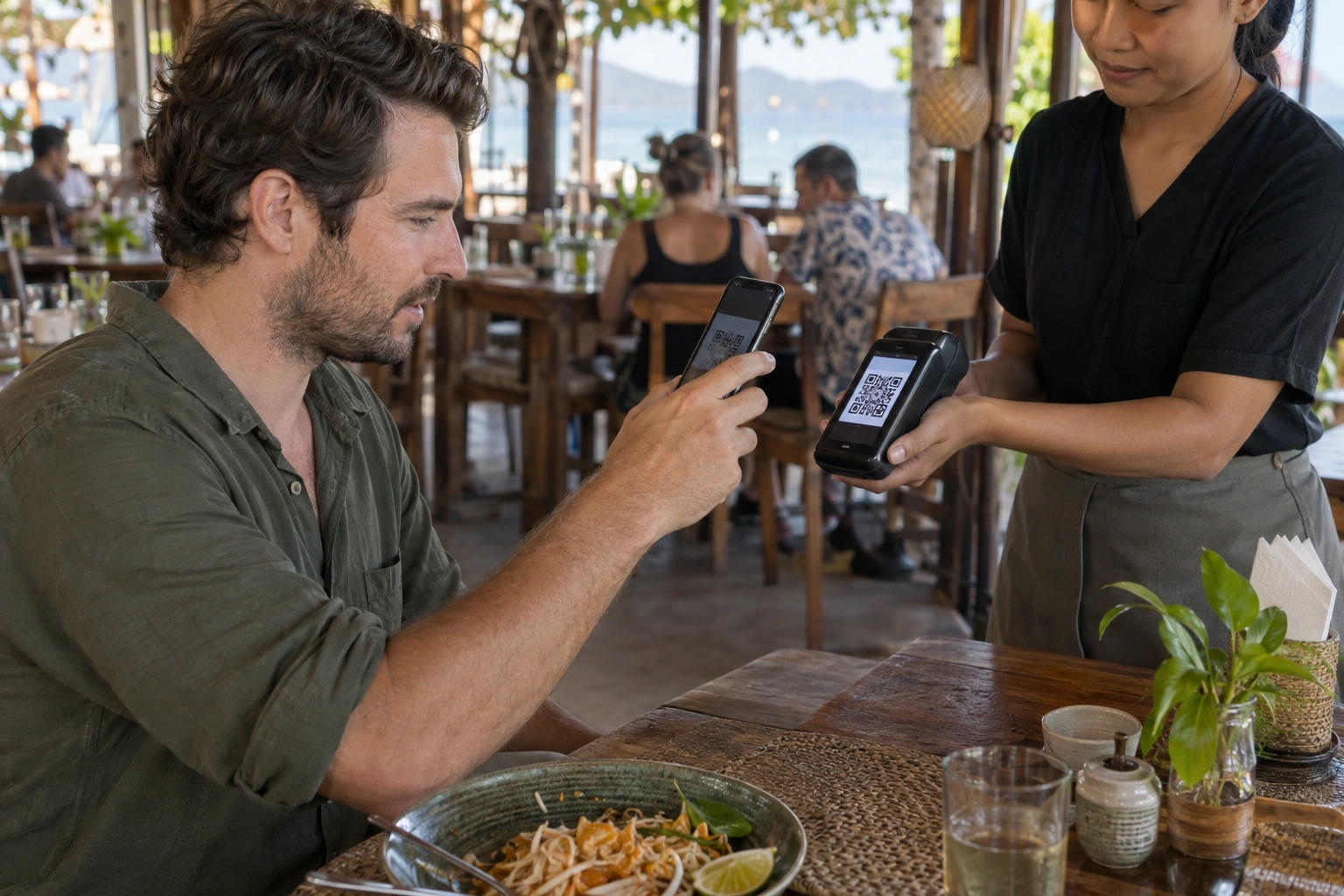
Guests scan the QR code on your terminal to pay. Once payment is confirmed, the built-in printer issues a receipt.
Send the bill total straight from your point-of-sale system to the terminal. Staff won’t need to type it again.
Enter an amount on the terminal, or send the total from a self-service kiosk. We’ll confirm software compatibility and integration requirements with you.
From the first order to the end of a shift.
Let guests browse your menu, place an order and pay in one place. Orders reach the kitchen only after payment is confirmed.
Choose table service or counter pickup. We’ll agree the features and price with you before development.
Try the ordering demoPayment alerts, payout requests for authorised users, and access tailored to each team member’s role.


Coming soon. Release dates will be announced.
Every location completes KYB/KYC checks before activation. Our monitoring system compares payment patterns and may pause payment acceptance while unusual activity is reviewed.